Administrator
User categories
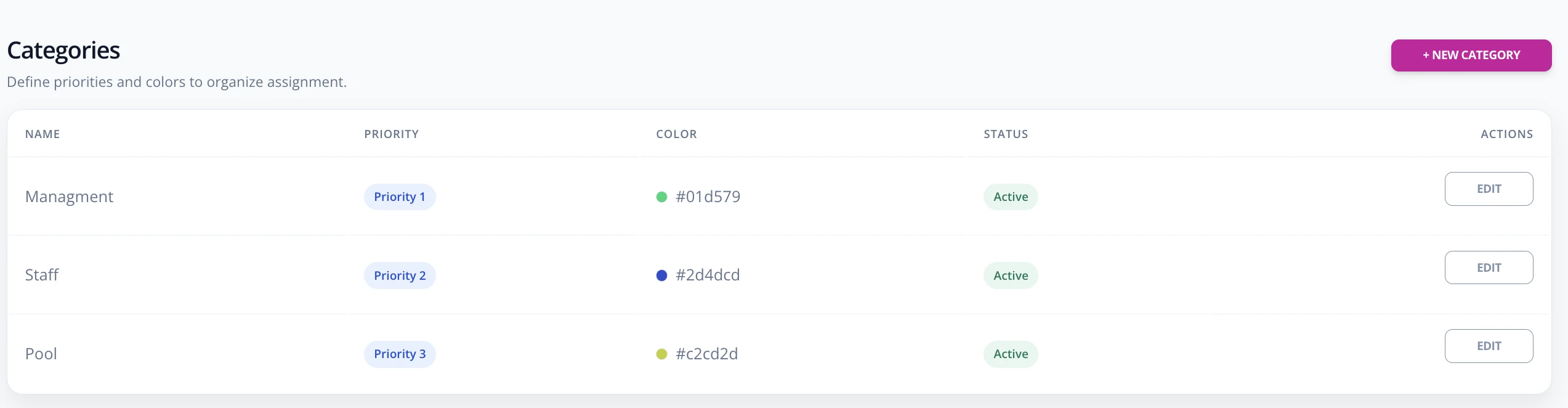
Categories organize priorities for booking shared spaces or released fixed spaces.
Create a category
- Go to Enterprise -> Categories.
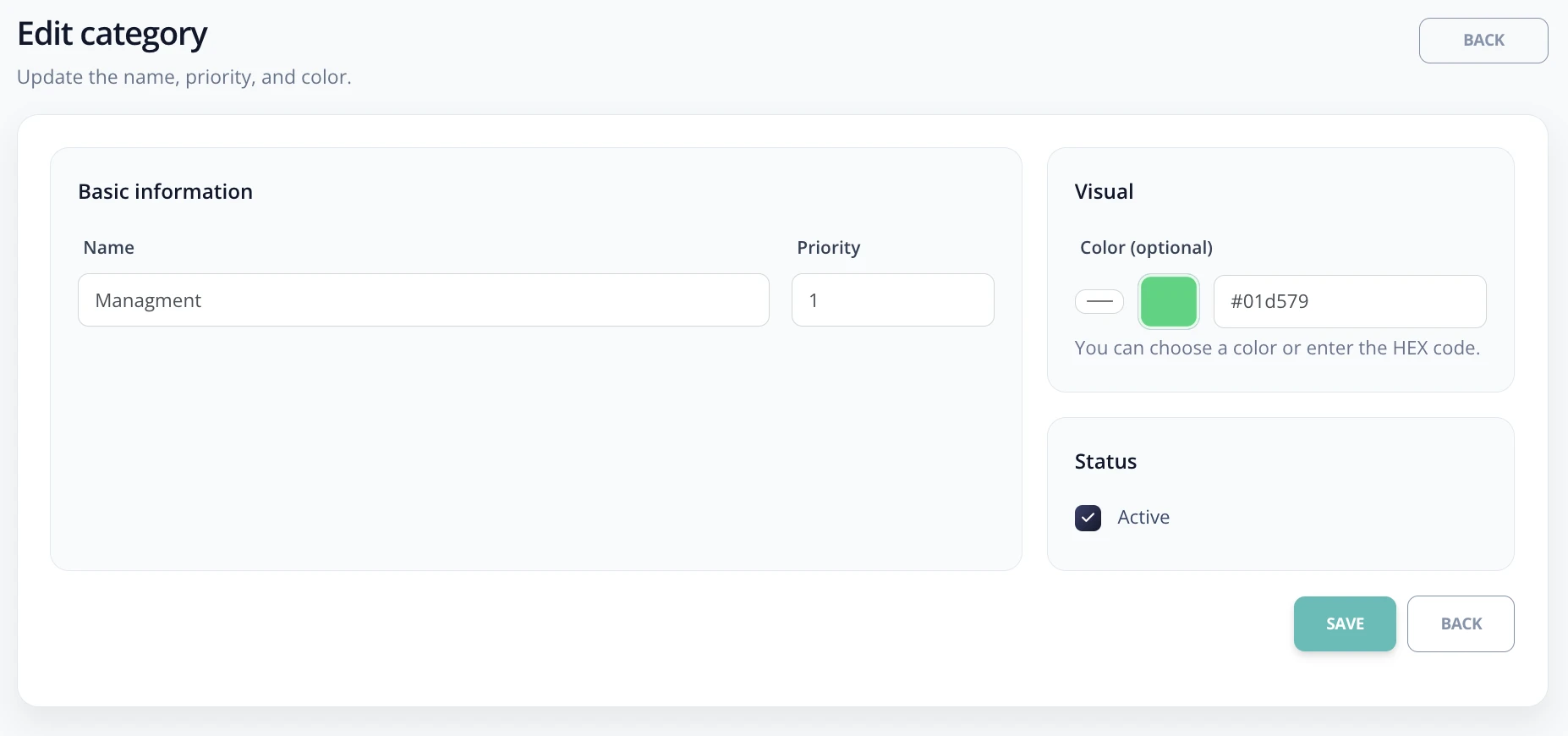
- Complete the category name, for example Directors, Management, Employees, or Visitors.
- Define the priority. Priority is used together with rules to decide who can take certain spaces.
- Save the category.
- Assign the category to users from Enterprise -> Users.