Administrator
Locations
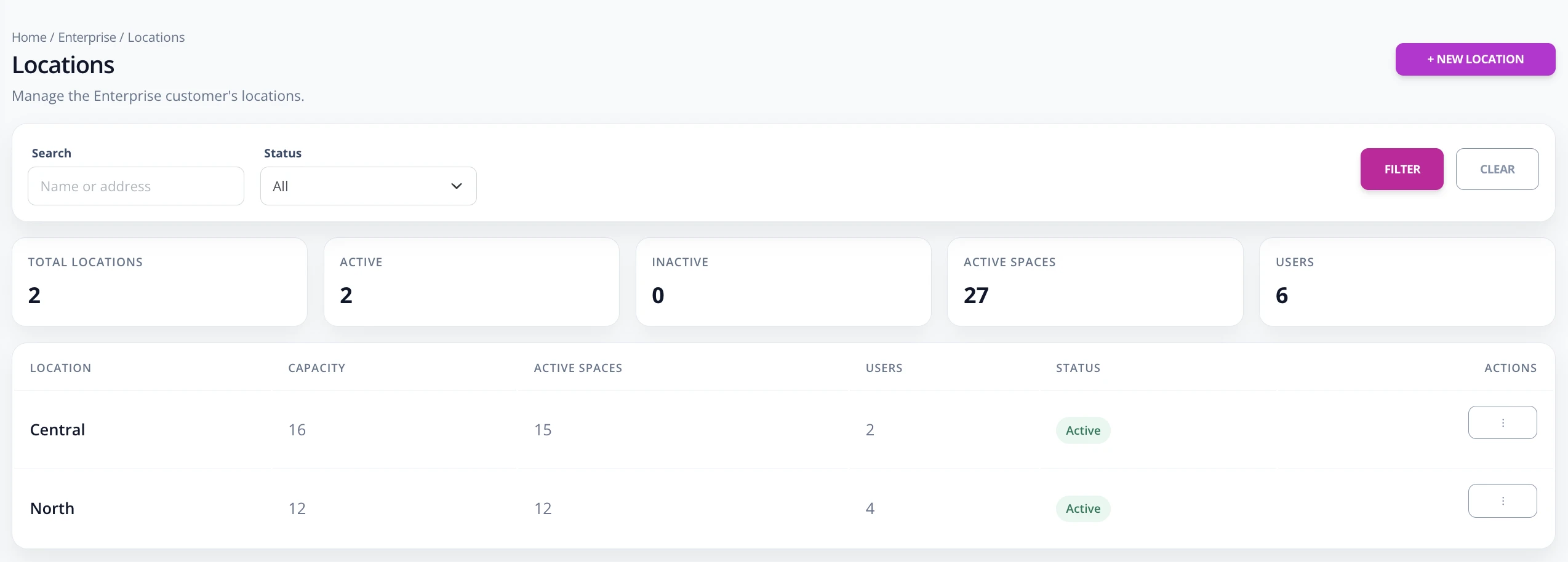
Locations separate operations by building, lot, or parking facility. Each location has its own capacity and spaces.
Create or edit a location
- Go to Enterprise -> Locations.
- Use the name, address, or status filters if the list is already long.
- Press New location to create a location.
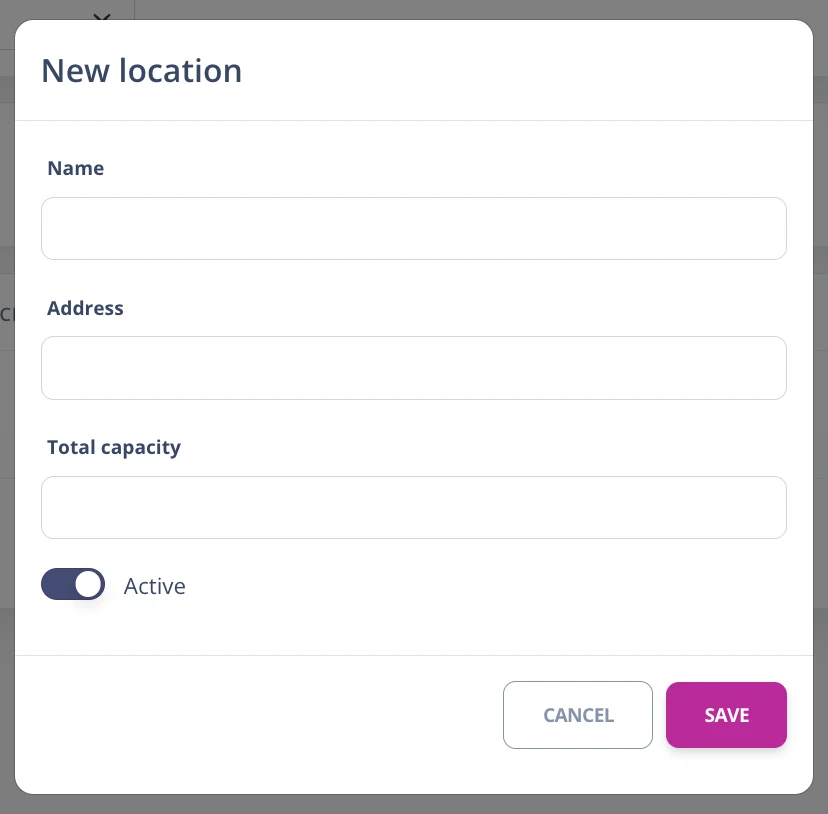
- Complete name, address, total capacity, and active status.
- Save. Then sync spaces from Enterprise -> Spaces.
- To edit or delete, open the actions for the corresponding row.