
Administrator
Users
Users is where employees are created and assigned categories, default location, and fixed spaces.
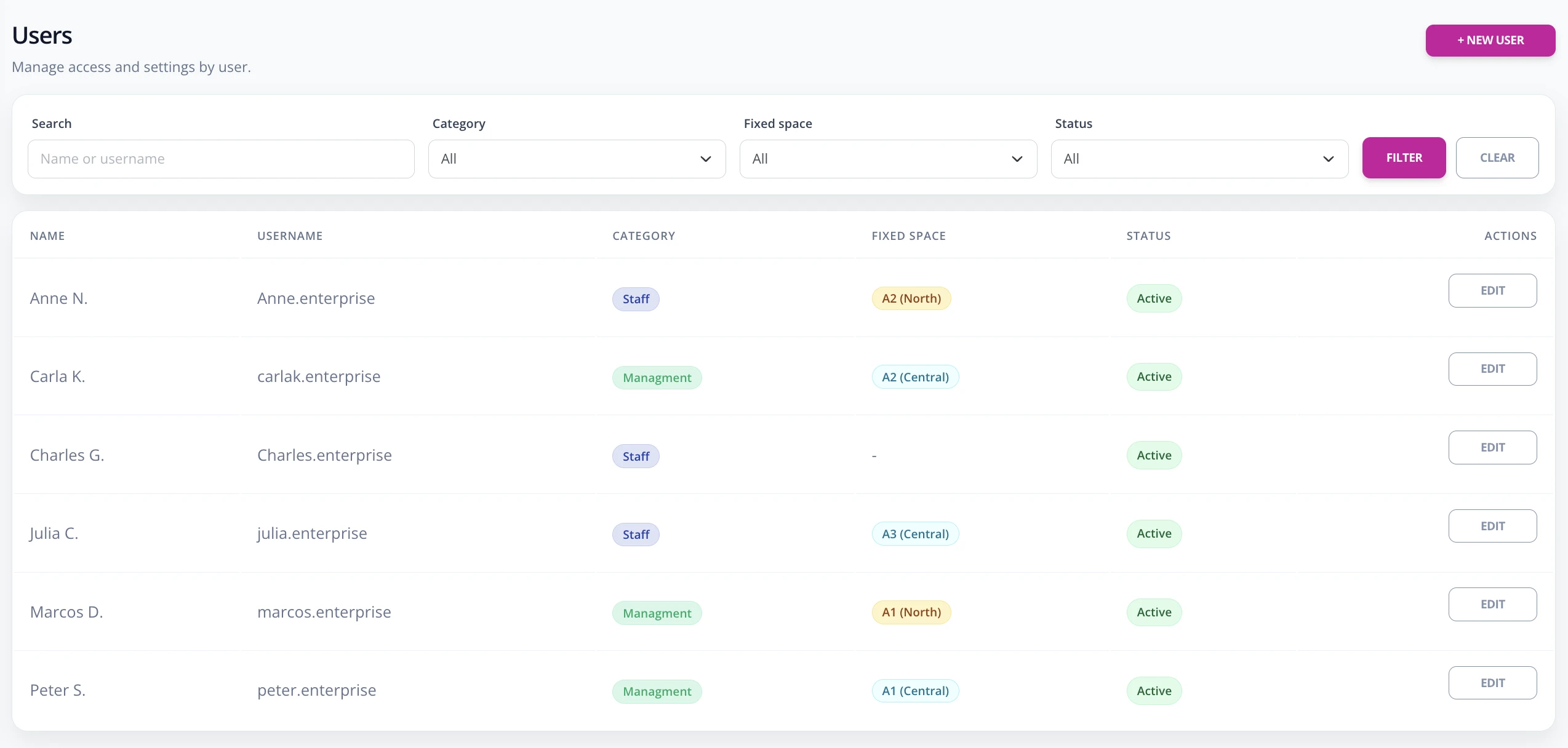
Create user
- Go to Enterprise -> Users.
- Press New user.
- Complete name, username, optional email, and password.
- Choose category and default location.
- If the user has a fixed space, enable Has fixed space and add location + space.
- Keep the user active and save.
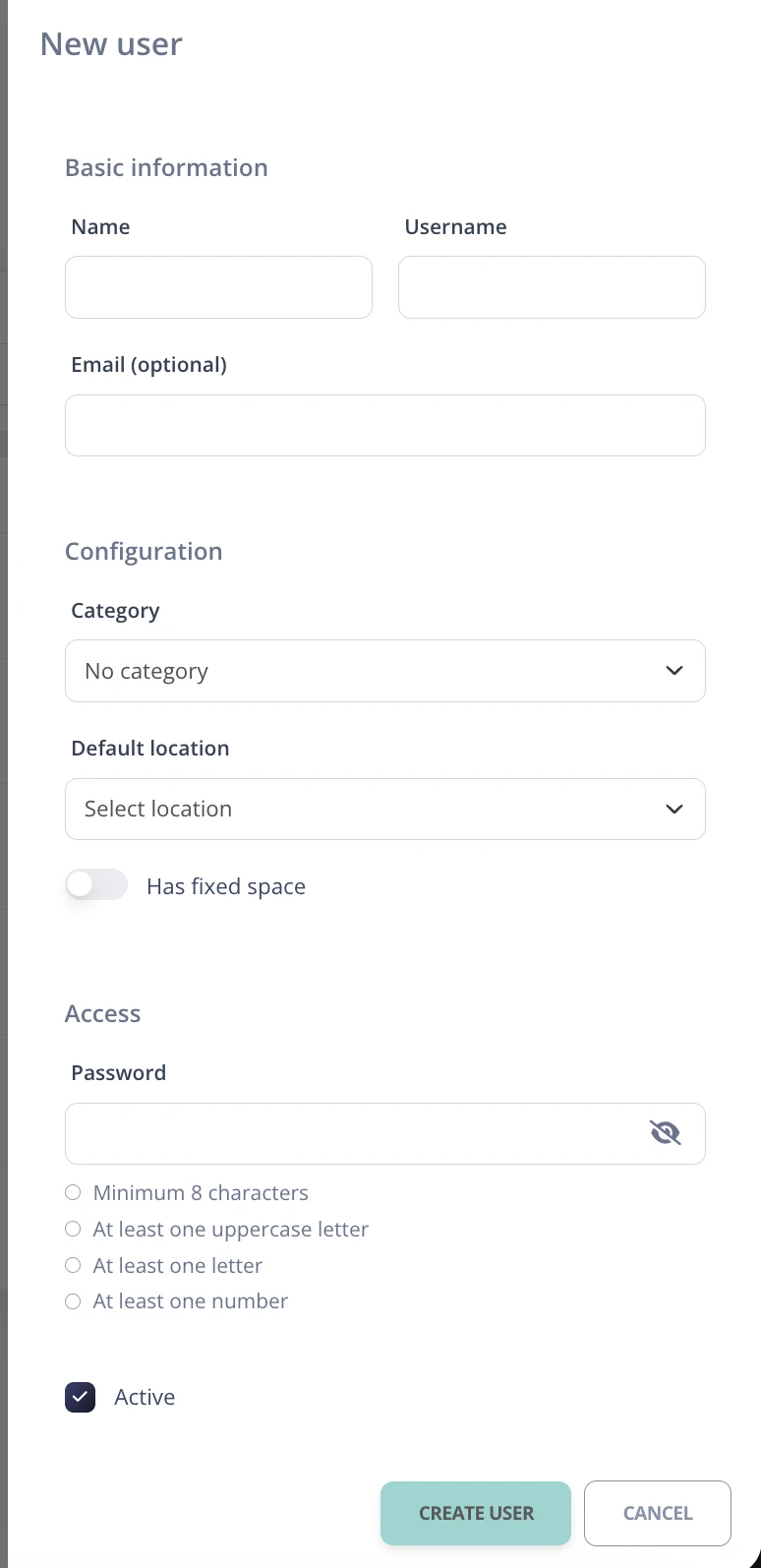
If a person has fixed spaces in more than one location, add one row for each location in the fixed spaces section.