
Users
Enterprise app home
The mobile app brings together daily actions: book, release, recover, view activity, and edit settings.
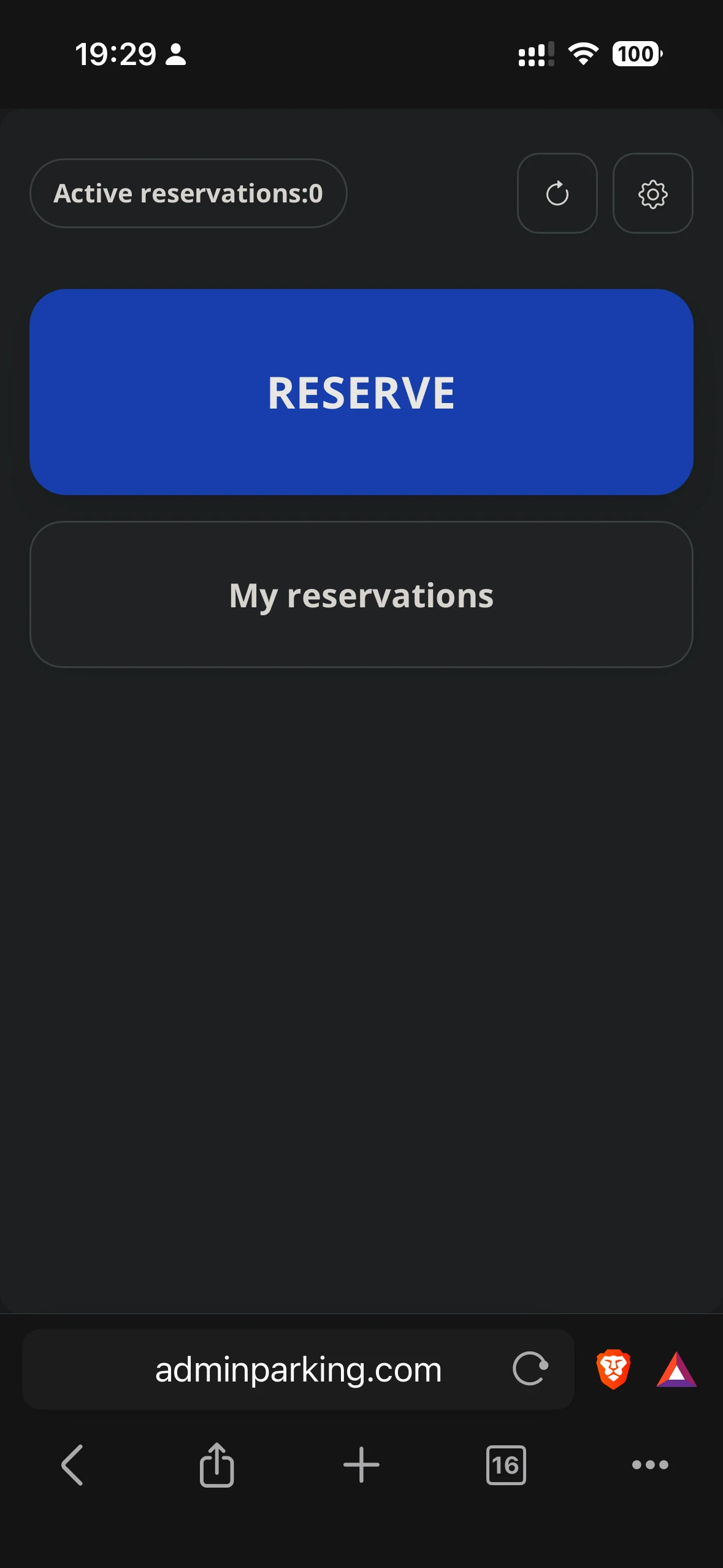
Main elements
- Book: lets the user take an available space at the selected location.
- Release: appears for users with a fixed space and lets them temporarily make it available.
- Recover: appears when there is a released fixed space that can be taken back.
- My reservations: shows current activity, future reservations, and history.
- Settings: lets the user choose default location, edit profile, and add vehicle details.
Visible buttons depend on the user's profile, fixed spaces, selected location, and the rules configured by the administrator.