
Integrate Mercado Pago (daily reservations)
Connect your Mercado Pago account to charge online reservations from the widget on your website.
Step-by-step video
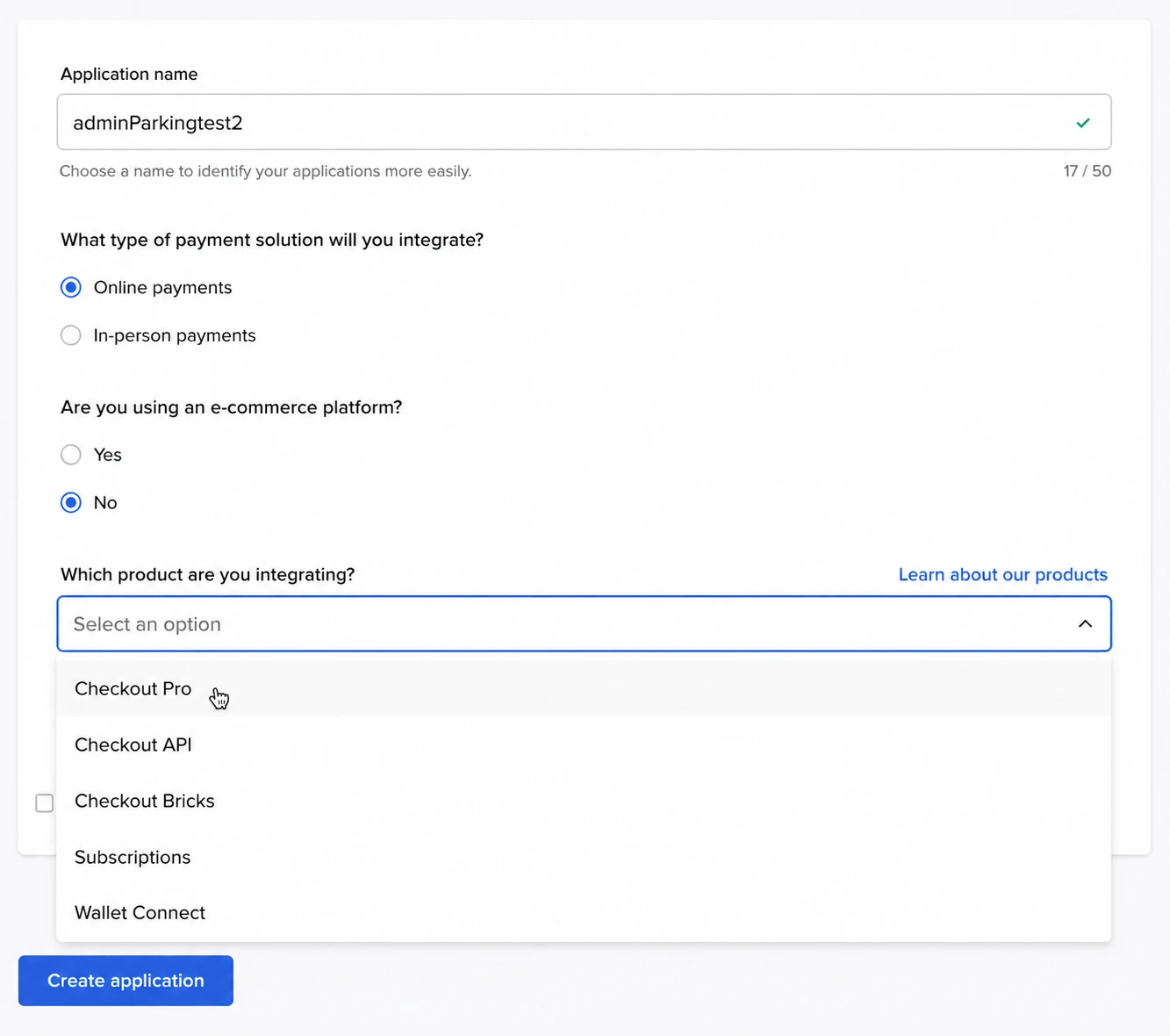
Steps
- In Payment methods, enable Online payment with Mercado Pago.
- In Mercado Pago: Your business -> Settings -> Integrations -> Credentials -> Production. Copy the Access Token.
- In AdminParking: Settings -> Online payments -> Mercado Pago. Paste the Access Token and save.
- Make a test reservation from your website and complete the payment.
If you switch accounts or regenerate credentials, remember to update the token in AdminParking.